about

CoStudy
How do we limit recreational screen time and other distractions while encouraging socialization and focus for college students?
Team
4 Designers
Timeline
January 2024 - April 2024
Role
UI/UX Designer
Tools
Figma

Research Findings
Market Research
Based on an evaluation of 13 focus apps (Rahmillah et al., 2023):
What's working:
app limits and goal setting features
What's missing:
motivation and social sharing
User Research
What do students actually want?
12 interviews of undergraduate college students revealed:
Multiple Calendars
Some users have digital planners and calendars to keep track of their work.
Do Not Disturb
To focus, many users muted their phone notifications.
Lack of Motivation
Students don't have an urgent incentive to study.
People Distractions
Users found themselves easily distracted when working with a group of friends.
Reward
Users tended to reward themselves after completing an assignment or goal.
Phone
The phone is a major hurdle for students to pass when attemping to study, whether it be sports, games, or social media.


Affinity map and hierarchical task analysis
Design Implications
User Needs
Design Implications
1
Users want a way to study with their friends while staying focused together.
1
The app should support focused collaboration between users.
2
Students want to use their phone for their work without getting distracted by their notifications and apps.
2
The app should limit phone distractions.
3
Users need a sufficient motivator to start and continue studying.
3
The app needs to offer a reward or some type of incentive for the user to study.
1st Iteration Design
(***warning: eyesore; very rough; it gets better***)
This was my (and everyone in the group's) first exposure to UI/UX design… if that wasn't evident. We submitted this for our class and received full marks because ultimately, the goal was to learn research methods and designing from user input, not the visual aspect.
***I improved the UI later (can be seen in final design a scroll down).




Evaluations
From think-aloud usability tests:
Confusing Icons
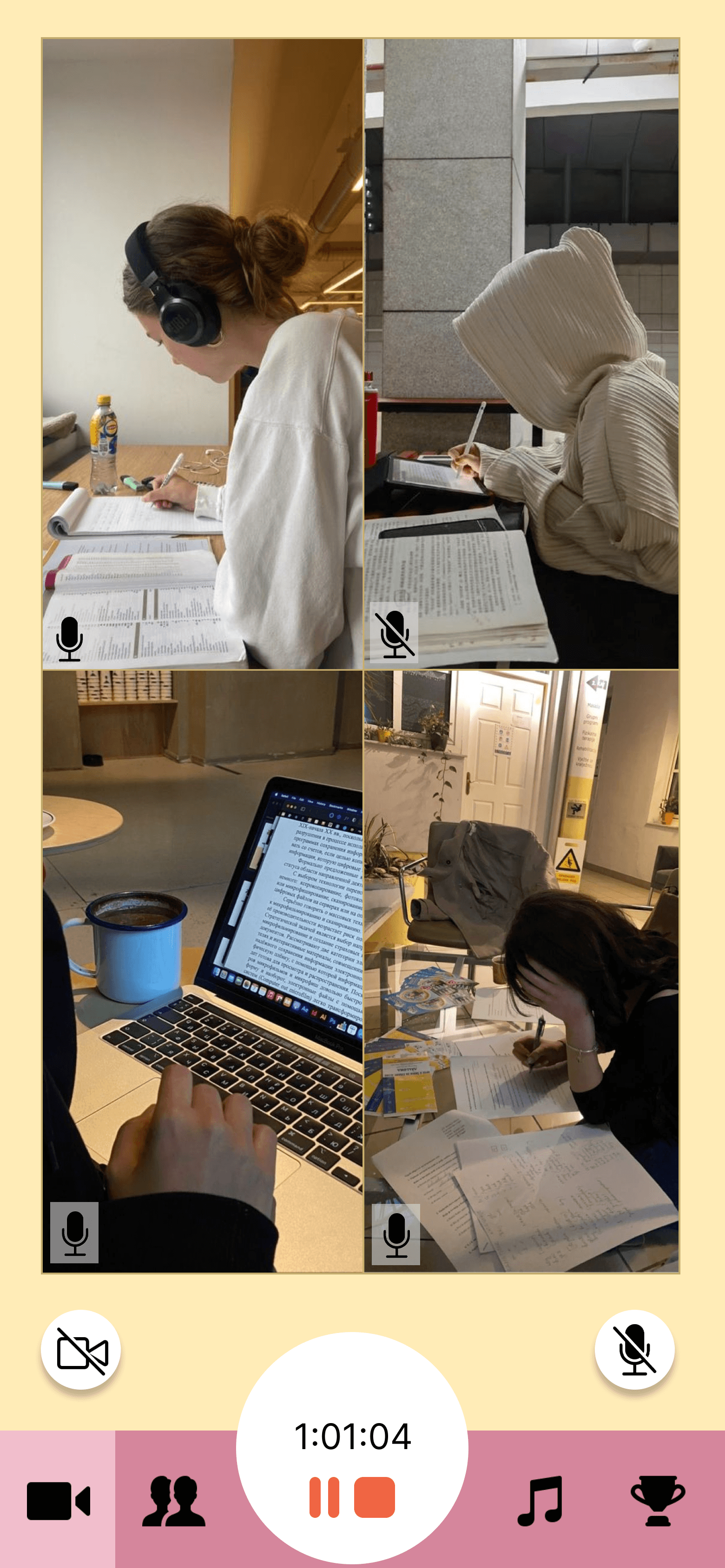
Participants expressed difficulty understanding the functionality of certain icons, such as those for microphone and camera controls, resulting in some confusion.
Calendar Layout
Users faced challenges with the limited view of the calendar, inability to see schedules for other days, and confusion regarding the “plan” button’s function.
Unclear Navigation
Participants had trouble navigating the app. Found it overwhelming upon entering the app and pointed out the discontinuity between screens, such as different navigation bars.
From heuristic evaluations:
No Error Prevention
No indicators that the user has made a mistake.
No Instructions
User does not know how to start using the app's features.

Heuristic evaluation ratings
Final Design Features
With new design insights and user feedback, here's the final design:
App Limiting
The app allows the user to choose which apps they want to block notifications from and which ones to set a time limit for. This eliminates distractions and recreational screen time.


Accountability
The study session feature allows users to study together while keeping each other accountable, competing against each other for playlist control through total study time and also competing against other teams.
In-Game Shop
To accessorize from the store, users must earn coins; to earn coins, users must study/work efficiently. This gamification is meant to motivate users to start and continue the studying process.

Figma File
Reflection
Exploring new things
As aforementioned, this was my first exposure to design, both visual and UI/UX. Through the course, I was introduced to a great deal of user research methods, making user-informed decisions, usability testing, designing with a group, and most importantly, Figma (I use it for basically everything now).
Even though this project was very rudimentary and has many areas to improve upon, it taught me many lessons that I carried with me as I explored the UI/UX sphere more. I am grateful for the foundation it provided me to grow my design skills!
thank you! —